Browser-first
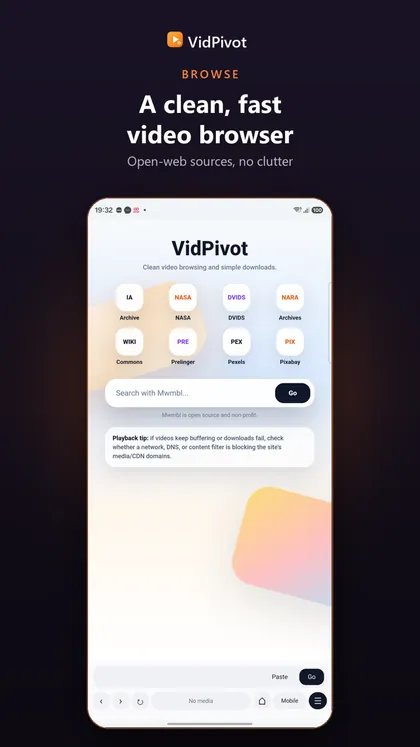
Open HTTPS pages inside the app and keep navigation, history, settings, and downloads in one place.
 The Nexus Pivot™
VidPivot
VidPivot is a fast, private video browser with a built-in download manager and a WhatsApp status saver. Find a video, tap once, and keep it — no account, no clutter. Downloads pause, resume and finish in the background, and statuses you view can be saved before they disappear. Built for the videos you own and the clips you have permission to keep.

Google Play and the Google Play logo are trademarks of Google LLC.
Features
Open HTTPS pages inside the app and keep navigation, history, settings, and downloads in one place.
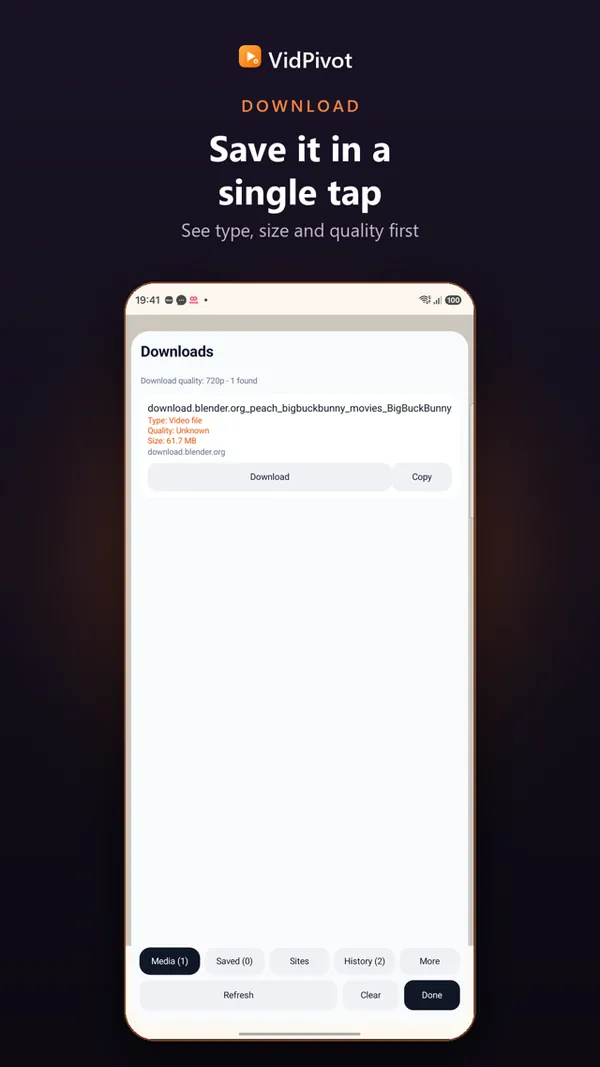
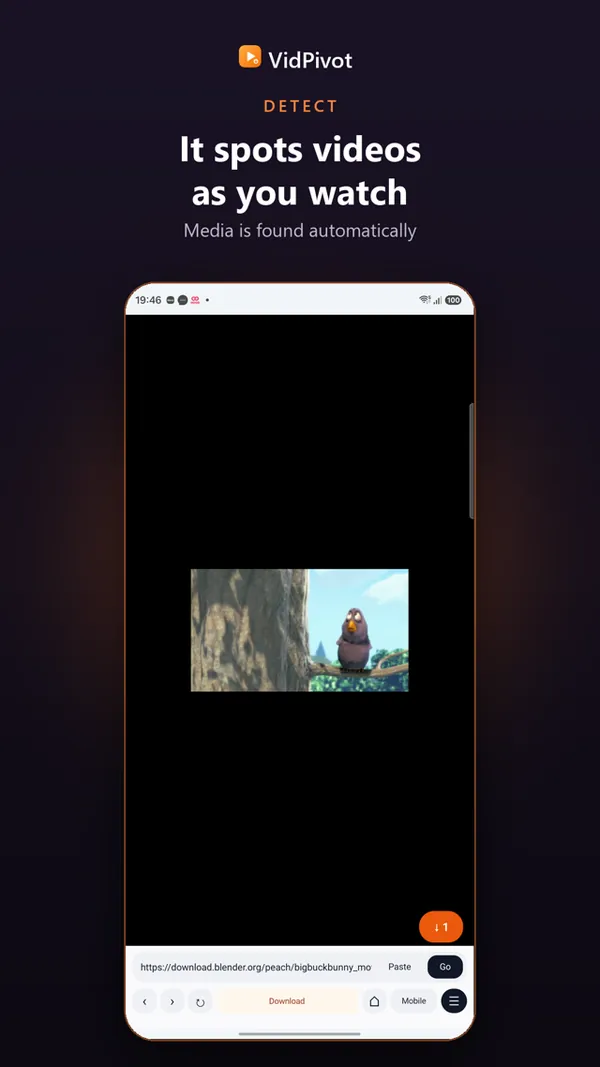
Pause, resume, cancel, and manage every download — MP4, WebM, and MP3, with HLS and DASH where allowed — while you keep browsing.
Save the photo and video statuses you view before they disappear after 24 hours. VidPivot reads the media folder through the system folder picker — it never asks for broad storage access.
Your recordings, your clips, and the statuses shared with you — the videos you own or have permission to keep, saved where you can find them again.
Inside VidPivot
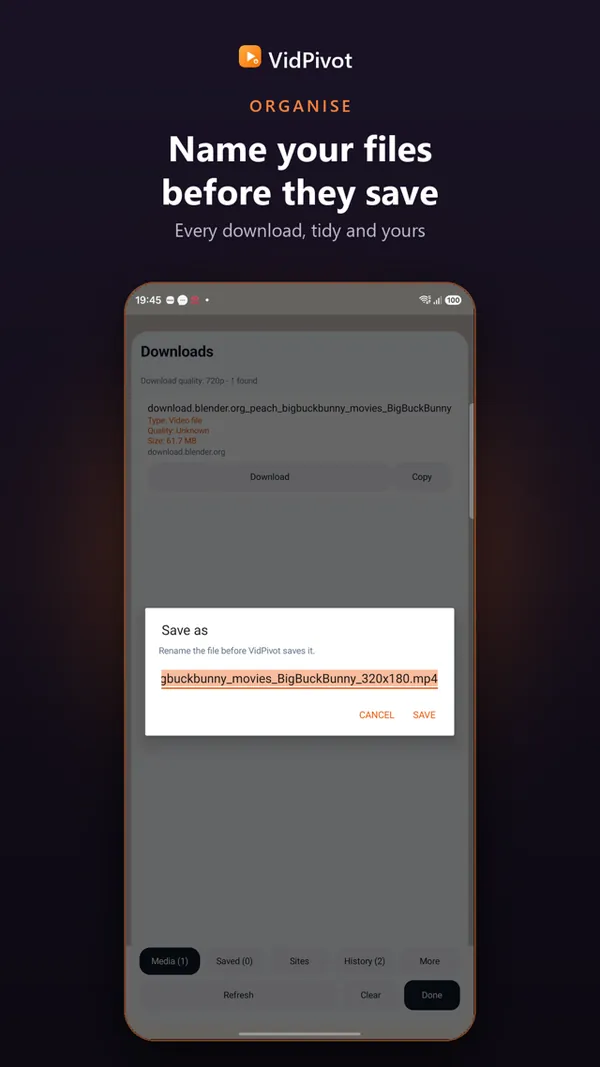
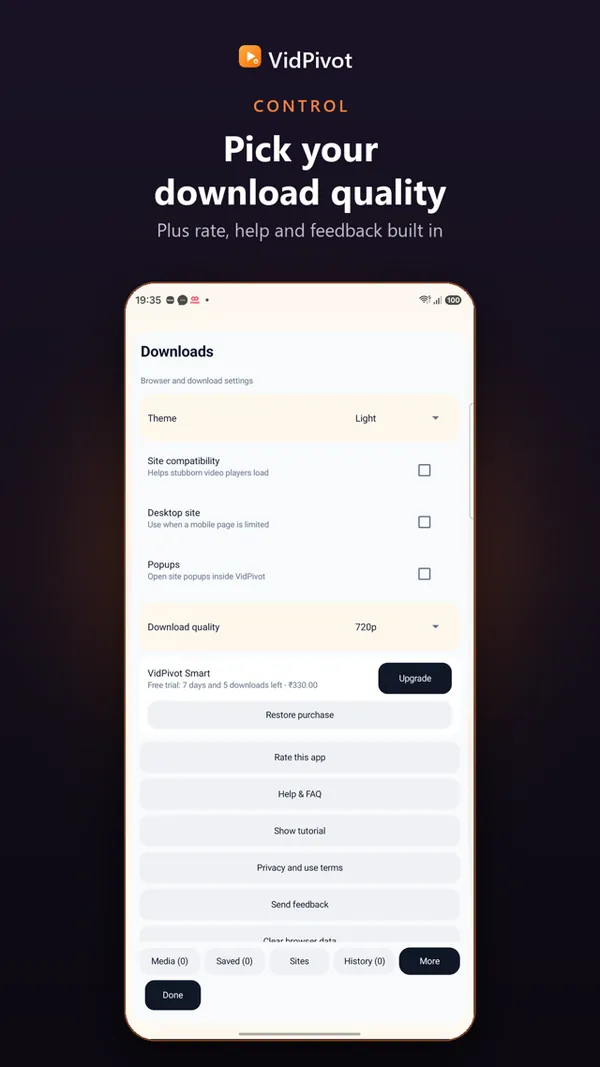
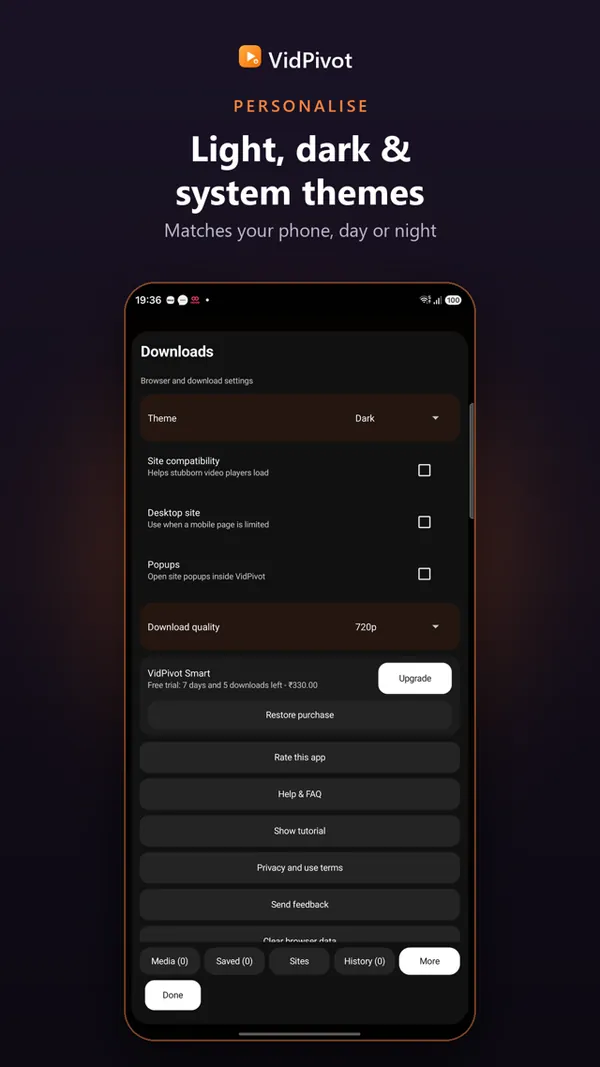
Downloads, quality and files
VidPivot is an Android video downloader covering Instagram Reels, Twitter/X videos, TikTok, Facebook, Snapchat, Pinterest, Reddit, Twitch, Vimeo, and more — 17 sites in total. It also saves WhatsApp Status videos and images directly from your chats, no extra steps.
VidPivot is a high-resolution video downloader for Android with a quality picker — Highest, 1080p, 720p, 480p, or 360p — before every download. Highest is uncapped, so on sites that provide 2K/4K sources — including many Reels and short clips — VidPivot pulls the full resolution instead of a compressed default.
VidPivot pauses and resumes downloads for real — mid-transfer, not from scratch — so you can protect a limited data plan without losing progress on a large download. A background service keeps paused downloads alive even if you close the app, with pause/resume controls in the notification shade and inside the app.
VidPivot saves every clip, including WhatsApp Status videos, as a standard file in your Downloads/VidPivot folder — the same kind of file any video app on your phone already knows how to open. Play them in your default player, share them straight to another app, or move them onto an SD card with any file manager.
Your library
VidPivot is built for your own uploads, openly licensed clips, and the statuses shared with you. Everything lands in one folder on your phone — Downloads/VidPivot — ready to rename, sort, and play offline whenever you like.
FAQ
Videos and audio from open web pages — the content you own, created, or have permission to save. VidPivot saves MP4, WebM, and MP3, and handles HLS and DASH streams wherever the site allows it.
Yes. The status saver keeps photo and video statuses you view before they disappear after 24 hours. It reads the media folder through the system folder picker, and saving is always a copy, never a move.
Your first save is free, with no sign-in. VidPivot is free to download, and a one-time unlock (US$6.49) is available for additional features.
Files are saved to the Downloads/VidPivot folder on your phone. The saved-files manager lets you open, rename, hide, or delete them, and downloads keep running in the background while you browse.
No. Browsing history, cookies, and downloaded files live on your device alone.
VidPivot is free to download, with no sign-in for your first save. A one-time US$6.49 unlock is optional.