Platform
Android and iPhone, from Google Play and the App Store.
 The Nexus Pivot™
PDFPivot
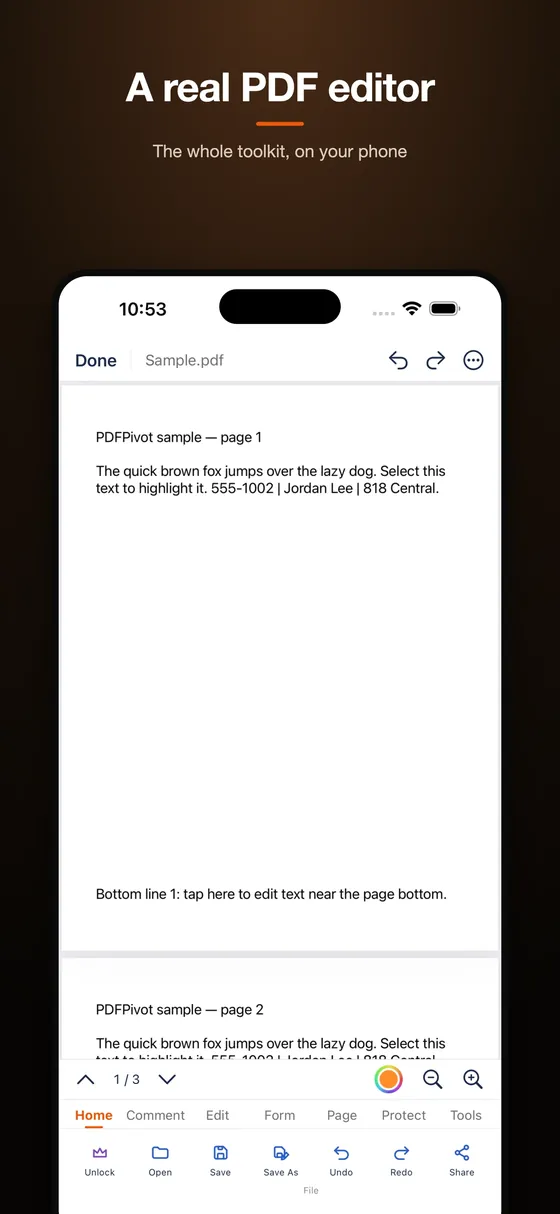
PDFPivot brings PDF reading, editing, annotation, page tools, OCR, compression, and eBook workflows into one mobile workspace.


Apple and the Apple logo are trademarks of Apple Inc. Google Play and the Google Play logo are trademarks of Google LLC.
Key facts
Android and iPhone, from Google Play and the App Store.
Free with ads and a small watermark on exported files. An optional PDFPivot Pro unlock removes both.
Reads, edits, signs, scans, converts, compresses, and organizes PDFs and eBooks.
Documents are processed on your phone and stay there.
Features
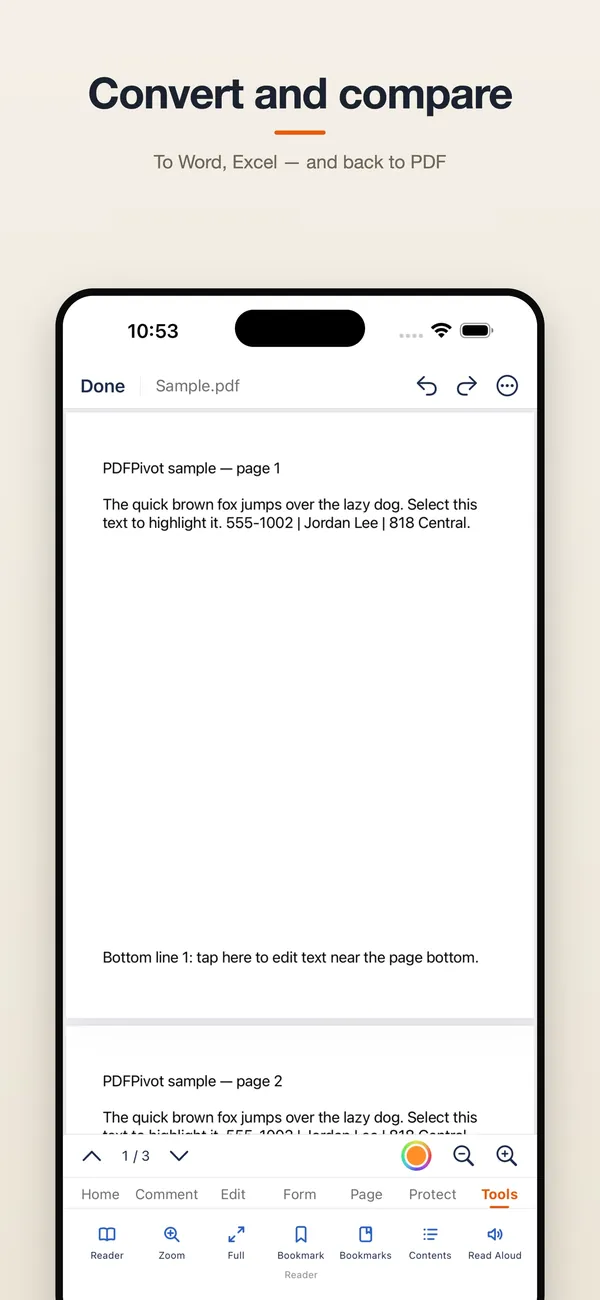
Find compatible documents on your device, open PDFs and eBooks, keep recent files and bookmarks, and use continuous reading controls.
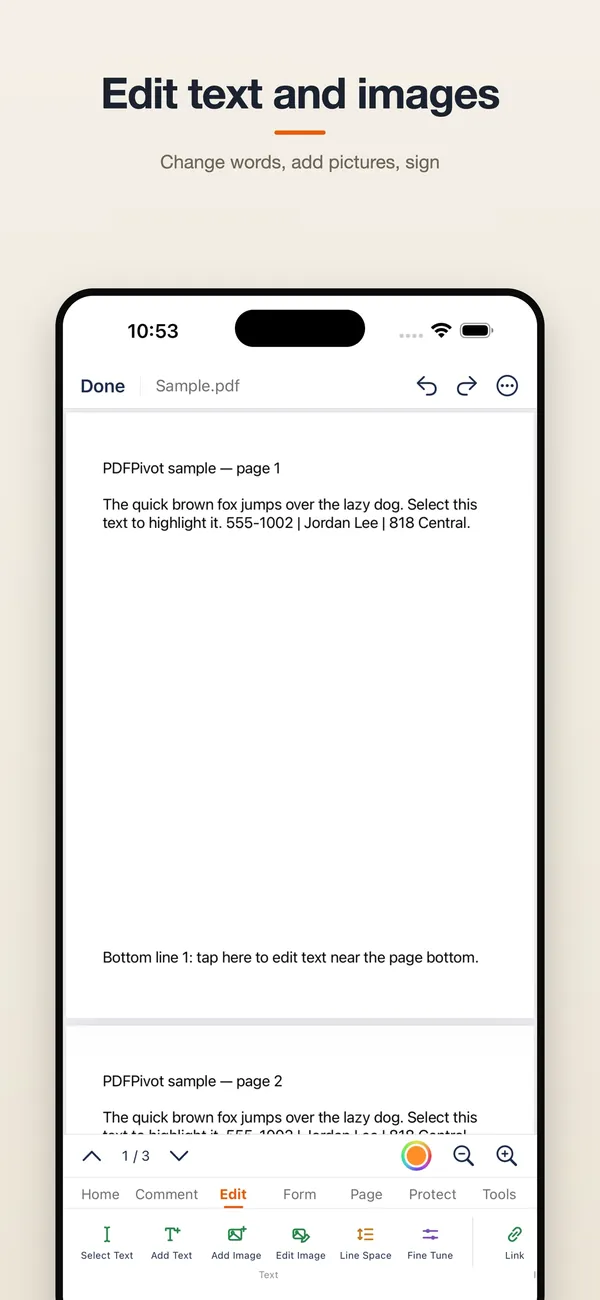
Add or revise text, images, signatures, highlights, notes, shapes, stamps, watermarks, page numbers, headers, and footers.
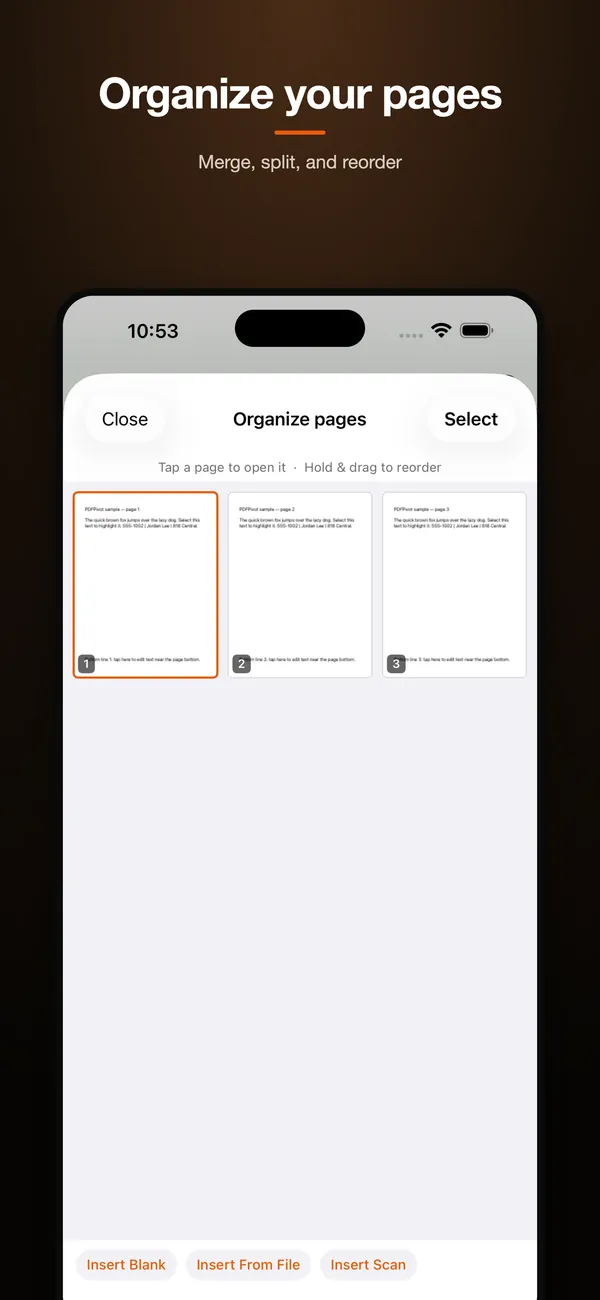
Use OCR, compression, page organization, image-to-PDF, split and merge tools, export options, and eBook conversion workflows.
Inside PDFPivot
PDFPivot Pro
The free version is supported by advertising and adds a small PDFPivot watermark to files you export. On Android, unlock PDFPivot Pro once and keep every tool forever — no ads, no export watermark. On iPhone and iPad you can choose a yearly subscription or a one-time lifetime unlock.
Local-first
PDFPivot processes supported documents locally. Your PDFs, eBooks, annotations and document text stay on your device.
Explore by task
Start with editing on Android or editing on iPhone and iPad. Then compare Android PDF editors and iPhone and iPad PDF editors before you choose.
iPhone and iPad
PDFPivot's PDF editing is free on iOS — every editing tool is unlocked from the first launch. The optional upgrade (subscription or one-time purchase) simply takes the ads away, so you get a full-featured PDF editor without Adobe-style monthly fees.
PDFPivot's reading view stays free of ads so nothing interrupts you, and it saves your exact page, zoom level, and scroll position for every document. Reopen a large PDF on iPhone or iPad and it picks up right where you left off.
PDFPivot shrinks large PDFs right on your iPhone or iPad using text-preserving compression that re-encodes only oversized images. Choose from five quality presets — Smart, Lossless Cleanup, High Quality, Balanced, or Smallest — from the Tools ▸ Compress menu.
PDFPivot crops with Quick Crop's instant margin trim or drag-handle cropping for pixel-precise control. Crop the page you're on in one tap, or apply the same crop to every page in the document at once on iPhone and iPad.
PDFPivot gives iPad users a complete markup toolkit — highlights, freehand ink, shapes, text boxes, stamps, and signatures — with none of it locked behind a subscription. Organize annotated PDFs into folders that mirror straight to the Files app, so your workflow stays tidy from markup to filing.
Android
PDFPivot lets you edit PDF text in place and fill out real PDF forms (AcroForm fields) on Android — no subscription required to edit. Use Fill & Sign to complete checkboxes and text fields on official documents, then export your finished PDF for free, with a one-time PDFPivot Pro unlock to remove the small export watermark.
PDFPivot lets you add a real signature to any PDF right on your phone — draw it with your finger or type it, and it's embedded directly into the document's content stream, not just an image on top. Perfect for signing contracts and forms without a computer.
PDFPivot splits PDFs by page — turn every page into its own file instantly, or open Organize Pages to hand-pick which pages to extract into a new document. It's page-based splitting (not size-based), so you control the exact pages that come out.
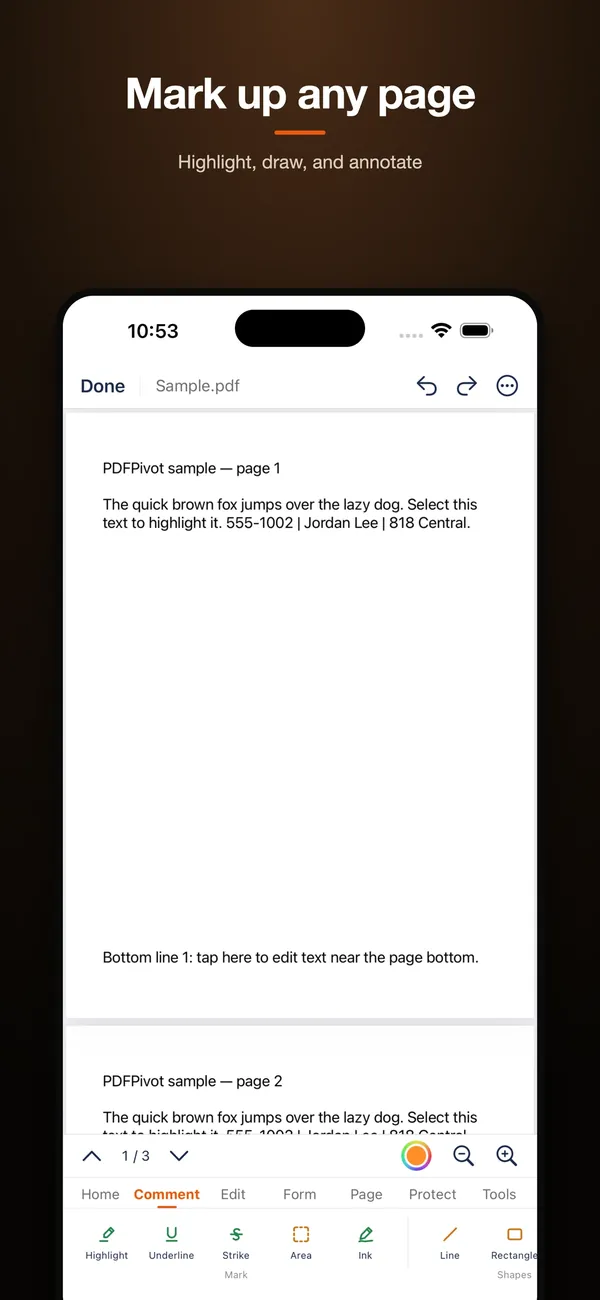
PDFPivot writes real, standards-based PDF annotations — highlight and underline markup, freehand ink drawing, and sticky-note comments — so your marked-up file opens correctly in any PDF viewer, not just this app. Handwrite notes or highlight key passages directly on the page.
PDFPivot on Android lets you change the words already in a PDF, not just add a box on top. Tap any text block, retype it, keep or change the font, size, colour, style and alignment, and the edit is committed into the page content so it survives in any other reader. Edits that grow a table cell by more than roughly a fifth can overflow, so keep table rewrites short.
PDFPivot reduces PDF file size with Smart Compress presets — Quality, Balanced, Smallest, and Flatten & Shrink — so oversized PDFs become easy to email or upload. Pick a preset based on how much you value sharpness versus file size; there's no exact-size input, just clear preset tradeoffs.
PDFPivot combines multiple PDFs into one document on your phone, appending pages with no cap on file size or page count. It's straightforward merging — stack your files in order and export a single combined PDF.
PDFPivot turns picked or scanned photos into a PDF and opens it directly in the editor, where the Organize Pages grid lets you hold and drag to reorder pages before exporting. It's a complete photos-to-PDF workflow, not just a one-way converter.
PDFPivot's PDF to Images tool lets you type a page range (like 3-22 or 1,4,9) and saves each selected page as a PNG straight to your gallery. It's a fast way to pull specific pages out of a PDF as standalone images, no cropping or screenshotting required.
Normal PDFPivot exports keep every image at its original resolution, so your pictures stay full quality. When you choose to compress, named presets (Quality/Balanced/Smallest) map to explicit DPI and JPEG-quality settings, so you control the sharpness-versus-size tradeoff instead of guessing.
PDFPivot's built-in scanner uses live edge detection to capture up to 25 pages per scan (or import from your gallery), then assembles them into a single multi-page PDF automatically. No separate scanning app required — scan, review, and save straight from the camera.
PDFPivot on Android opens files the way a reader should: tap a PDF in any app or file manager and it lands in the viewer immediately. The home screen keeps your recent documents one tap away, and the editing, scanning and converting tools stay out of the way until you want them.
FAQ
Yes. PDFPivot edits, signs, and scans PDFs directly on your Android phone or iPhone. The file is processed on your device and stays there.
Yes. PDFPivot is free to download and use, supported by ads, and it adds a small PDFPivot watermark to files you export. On Android, a one-time PDFPivot Pro unlock removes the ads and the watermark for good; on iPhone and iPad you can choose a yearly subscription or a one-time lifetime unlock.
Yes. PDFPivot processes documents on your device, so reading, editing, annotating, scanning, and organizing PDFs all work without an internet connection.
Yes. PDFPivot lets you add a signature to a PDF directly in the app, along with highlights, notes, stamps, and images.
Yes. PDFPivot includes a scanner with OCR, so you can photograph a paper document and turn it into a searchable PDF on your phone.
It removes in-app ads and the PDFPivot watermark on files you export. On Android it is a single one-time purchase — PDFPivot Pro — that you keep forever; on iPhone and iPad you can choose a yearly subscription or a one-time lifetime unlock. Export and convert as often as you like in the free version.